 consult@wordexperts.com.au
 1300 122 038
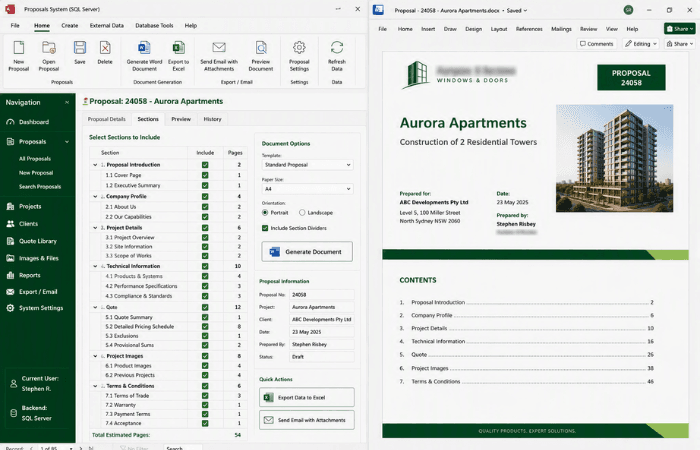
Building each financial planning report from a pop-up form and a library of ready-made headings

Your Microsoft Technology Development and Consulting Experts - Operating since 2000



Work Smart, Not Hard
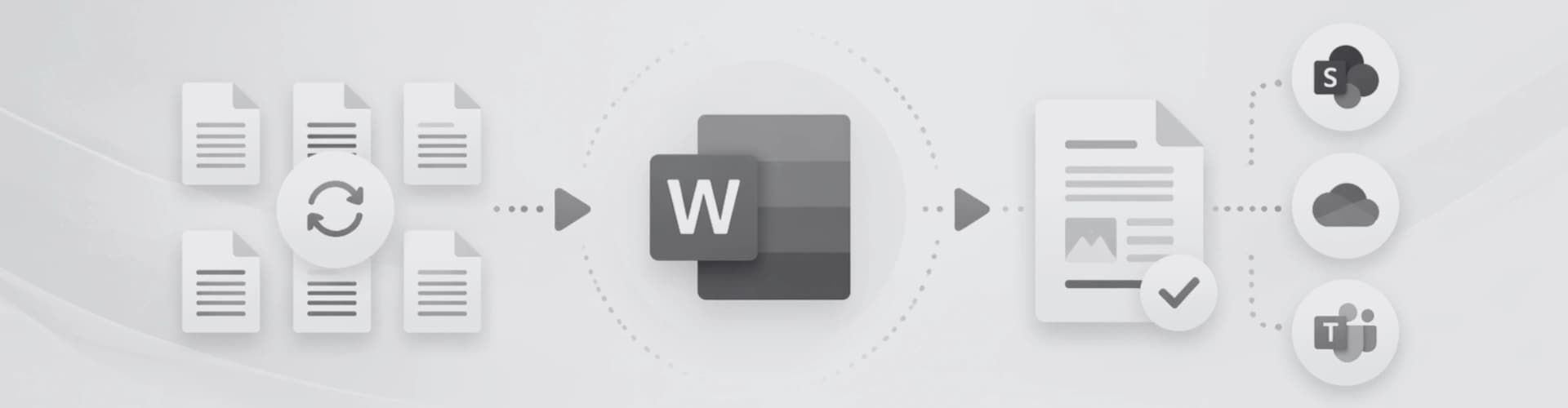
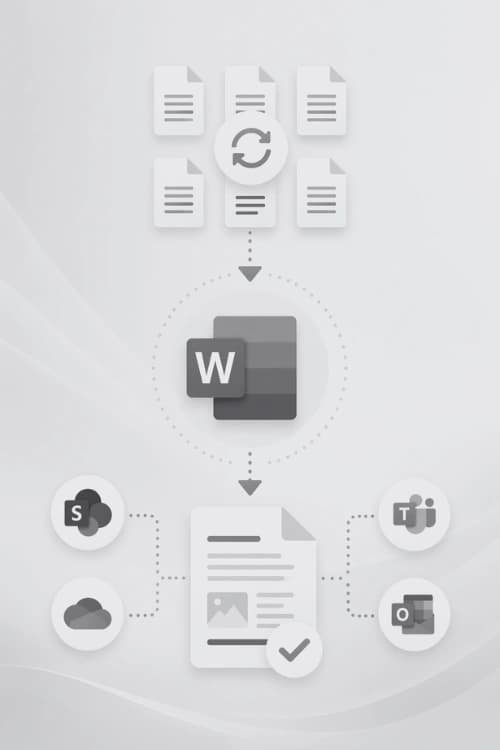
Every hour you or your team spends reformatting headers, re-inserting tables, or fixing page layouts is an hour lost. Our Word automation specialists build custom solutions using VBA macros, Building Blocks, and intelligent templates that handle the repetitive tasks that eat into your productivity.
Whether you need a single macro to automate a nightly report, or a fully templated document system rolled out across a 200-person organisation, we design solutions that integrate into your current workflow.
Custom Visual Basic for Applications code that automates complex, multi-step tasks at the click of a button. Reduce hours of manual work to seconds.
Pre-built document elements like covers, tables, boilerplate clauses, signature blocks all inserted instantly without copy-pasting or reformatting.
Dynamic header and footer content that updates automatically: document titles, section names, page counts, client details, and revisions.
Landscape pages, A3 sections, multi-column layouts, and chapter breaks inserted on demand. Correctly formatted, every single time.
Locked, role-aware templates that enforce brand consistency across your entire team, removing formatting errors before they happen.
From data merge and content population through to PDF output and email distribution. Complete document workflows built around your business processes.
Real Business Outcomes
Document automation might sound like a buzzword, something that can over complicate your existing system, but it is most often built with the standard tools already available inside Microsoft Word. We use VBA macros to execute multi-step tasks at the click of a button, Building Blocks to insert pre-formatted content instantly, Content Controls to guide users through structured data entry, and field codes to keep dynamic content like dates, titles, and page numbers always current. The result is an easy to use solution that when correctly implemented frees up time and quickly feels like an essential part of your workplace.
Manually copying client names, addresses and project details into each new proposal taking 25 minutes per document.
A single data-entry form populates every field across the entire document in seconds.
Inserting a landscape page mid-document breaks the header, footer, and page numbering every time.
One button click inserts a correctly formatted landscape section with matching header and footer automatically.
Each staff member applies their own formatting interpretation, producing inconsistent documents sent to clients.
A locked template enforces brand standards. Every document looks identical, regardless of who creates it.
Compiling monthly reports means copying data from multiple spreadsheets, reformatting tables, and re-checking page numbers.
A macro pulls the data, builds the tables, and outputs a finished, print-ready document.
Copyright © 2024. Brayalei Pty Ltd T/As Office Experts Group. ABN 32 093 067 737. ACN 093 067 737. All Rights Reserved.