Your Microsoft Technology Development and Consulting Experts - Operating since 2000

Location
Australia WideSydney, NSWMelbourne, VicBrisbane, QldPerth, WAAdelaide, SACanberra, ACTNorthern Rivers, NSWWollongong, NSWRichmond, VicDarwin, NT
emailconsult@wordexperts.com.au
email1300 122 038
Office experts logo
Microsoft certified logo
Contact Us
accessibility in word documents designaccessibility in word documents design

Accessibility & Compliance

Professional Standards

Word Document Accessibility

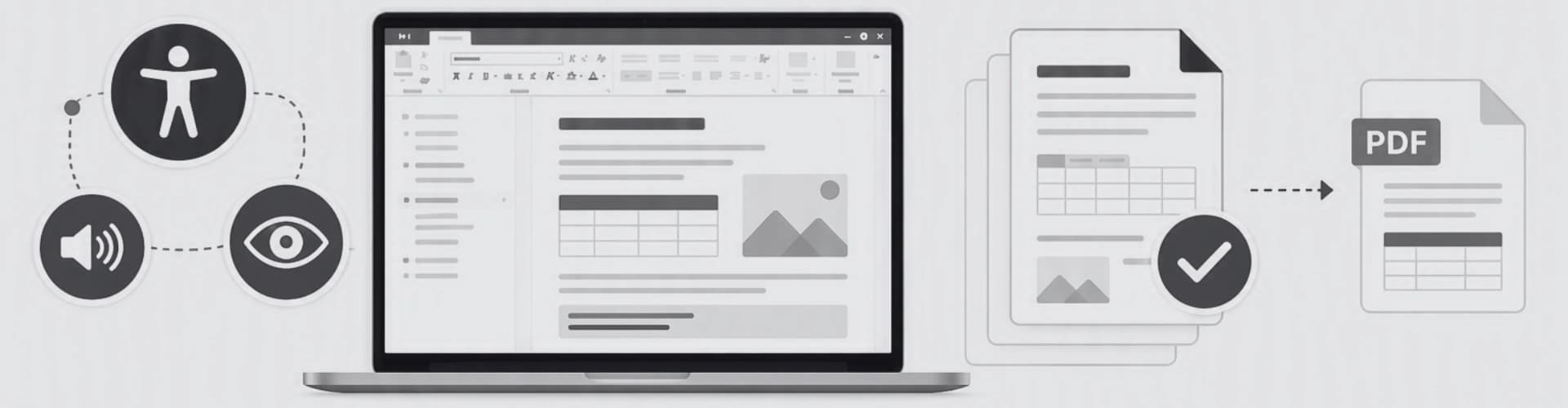
What is accessibility in a document? Document accessibility means structuring a Word file, its headings, tables, images, and reading order, so that anyone using a screen reader or various forms of assistive technology can navigate and understand the content as intended.

Why is it important? An inaccessible document can lock people with disability out of information entirely, and for government and many enterprise organisations, it's a legal requirement, not just an added benefit.

Our team of word design experts can deliver your document templates to the highest accessibility standards, setting your business up to efficiently and effectively produce quality, timely, consistent, and accessible documentation.

How we ensure accessibility

Accessibility standards, built in from the start.

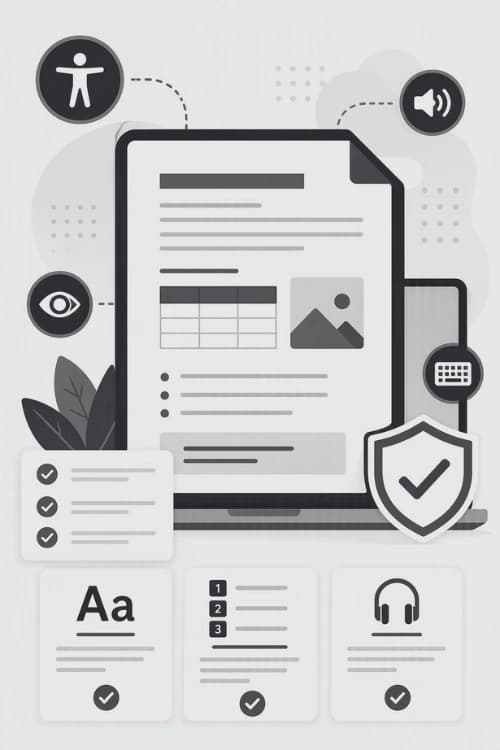
A document can look fine to the untrained eye and still fail a screen reader completely. Colours may be legible to many on first glance yet fall short of contrast requirements for those with impaired vision. We can build every template against WCAG 2.1 AA and the standards designed for use in professional documents Australia-wide.

Talk to us about your compliance requirements.

Colour & Contrast

Text, tables and callouts meet WCAG 2.1 AA contrast ratios so content stays legible for users with low vision or colour blindness.

Reading Order

Headings, body text and tables are tagged in the order they should be read, screen readers always read the content as intended.

Assistive Technology

Templates can be tested against JAWS, NVDA and Narrator to confirm every heading, image and table outputs correctly.

What We Check

Five issues we often find.

Most inaccessible Word documents we work on hide their underlying issues without thorough testing by a professional. We work through each of the following elements methodically on every template we build or remediate.

Heading Structure

H1–H6 · Navigation

Headings are tagged in their correct hierarchy rather than just styled to look bold or bigger. This lets screen reader users jump between sections using their navigation shortcuts, we do this by ensuring...

  • Always just one single, correctly tagged H1 per document
  • No skipped heading levels (H2 straight to H4)
  • Consistent heading styles applied via the template, not with manual formatting

Alternative Text

Images · Charts · Icons

Every image, chart, and icon must have meaningful alternative text, or be correctly marked as decorative so it's skipped completely, avoiding confusion for screen reader users. In practice, this means we implement...

  • Descriptive alt text written for meaningful images and charts
  • Decorative graphics tagged to be ignored by screen readers
  • Complex charts paired with a text summary or data table

Accessible Tables

Header rows · Scope

Tables are built with proper header rows and column scope, so a screen reader can announce which header a given cell belongs to, rather than reading a wall of confusing, seemingly unrelated numbers. Compliant and accessible tables we create have...

  • Header rows tagged and repeated across page breaks
  • Row and column scope set for complex or merged tables
  • Simple layouts used in place of nested or merged-cell tables where possible

Reading Order

Text boxes · Columns

Text boxes, columns, and floating objects are checked against the document's underlying reading order, which can silently break when content is dragged into place visually. Our checks cover...

  • Reading order validated with the built-in accessibility checker
  • Text boxes replaced with in-line structured content where practical
  • Multi-column layouts tagged to read top-to-bottom, then across

Forms & Interactive Fields

Labels · Tab order

Form fields, content controls, and fillable sections carry clear labels and a logical tab order, so users navigating by keyboard or screen reader can complete a document without assistance. That involves us making sure...

  • Every field given a descriptive, programmatically linked label
  • Tab order matching the visual layout of the form
  • Instructions provided in text rather than colour or placement alone

We Understand Accessibility!

Word Experts have worked with many Government departments, state, federal and corporate, over 25 years. We understand the department's needs and can tailor a solution that will assist hundreds of users in creating documents that not only look great but also adhere to the latest accessibility guidelines.

With our master templates, users can create many sub templates in house under our controlled template environment.

How We Work

Starting from scratch or existing document repair.

Remediation doesn't need to mean rebuilding every document you own. In most cases we can work with your existing templates, correcting the structure underneath while leaving your branding and layout the way you want it.

As part of Office Experts Group, we can also call on our Access, Power Platform and Excel teams when a project spans multiple Office applications.

Speak with our consultants
  1. 01

    Accessibility audit

    Firstly, we check your existing templates and key documents through both automated checkers and our own manual processes, then document any issues found with WCAG 2.1 and/or the relevant government standards.

  2. 02

    Remediation or rebuild

    Depending on how the template was originally built, we either repair the existing structure in place or rebuild it from the ground up with correct tagging, styles and reading order.

  3. 03

    Validation

    Every corrected document is once again tested with a another full audit before it's handed back, we check over the initial assessment and ensure it's now fully compliant, passing all relevant tests.

  4. 04

    Handover and training

    We provide documentation on how the template is now structured, along with optional training for your team on keeping new documents accessible moving forward.

shape icon

Got Questions?

Our Experts Await Your Call!

Contact us today to discover how Word Experts can transform your document management and protect your corporate identity with professional template solutions.

hand shake icon

Quote or
hourly rate

computer support icon

Ongoing
support

computer support icon

Remote access
or onsite

training support icon

Tailored
training

Frequently Asked Questions

Q1.

What accessibility standards do your Word templates comply with?

Our Word templates can comply with WCAG 2.1 guidelines and meet government accessibility requirements. We ensure all templates include proper heading structures, alternative text capabilities, reading order optimisation, and accessible table formats. This makes documents usable for people relying on screen readers and other assistive technologies.
Q2.

How do you ensure document accessibility when converting from PDF or InDesign to Word?

During conversion, we rebuild documents from the ground up with accessibility in mind, rather than relying on automatic converters. This includes implementing proper heading hierarchies, adding alt text placeholders for images, ensuring correct reading order, and structuring tables for screen reader compatibility. We also validate all converted documents against accessibility checkers.
Q3.

Can existing Word templates be updated to meet accessibility standards?

Yes, we can upgrade existing templates to meet accessibility standards. This process involves restructuring document elements, implementing proper styles and formatting, adding accessibility tags, and ensuring all interactive elements are keyboard accessible. We'll also provide guidance on maintaining accessibility when creating new documents from these templates.
Q4.

Do you provide training on maintaining document accessibility?

Yes, we offer comprehensive training for teams on maintaining document accessibility. This includes instruction on using built-in accessibility checkers, proper heading structure, alt text best practices, and creating accessible tables and lists. We can deliver training remotely or on-site, and provide ongoing support to ensure your team maintains accessibility standards.
Q5.

How do your accessible templates maintain corporate branding?

Our accessible templates are designed to maintain your corporate branding while meeting accessibility requirements. We achieve this by creating properly structured styles that incorporate your brand colours, fonts, and design elements while ensuring sufficient colour contrast, readable font sizes, and clear document structure. This ensures documents are both accessible and professionally branded.
Q6.

Do accessible Word documents also need to work as accessible PDFs?

Often, yes. If your Word document will be exported to PDF for publishing, we structure the source document so the tagging carries across cleanly, meeting PDF/UA requirements. We can also test the exported PDF separately, since export settings can strip or reorder tags even when the Word source is correct.
Q7.

What's the difference between an accessibility checker pass and true compliance?

Word's built-in accessibility checker catches common issues like missing alt text, but it can't detect an illogical reading order, a heading used purely for visual styling, or a table that reads correctly on screen but announces incorrectly to a screen reader. We can combine automated checks with a manual screen reader review before signing off on any document.
Q8.

Can you audit our current templates before we commit to a full project?

Yes, we offer a standalone accessibility audit that documents every issue against WCAG 2.1 and any relevant government standard, along with a recommendation on whether remediation or a rebuild is the better fit. You're free to use that report with your own team or come back to us for the remediation work.
Q9.

How do you handle accessibility for documents with complex data tables or charts?

Complex tables are broken into properly scoped header rows and columns, or split into simpler linked tables where a single sprawling table would be unreadable to assistive technology. Charts and infographics are paired with a text summary or an accessible data table, so the information isn't locked inside an image.
Q10.

Do you work with state and federal government accessibility requirements?

Yes, we've worked with government departments at state and federal level for many years and build to the accessibility requirements set out in their procurement and publishing standards. If your department has a specific style guide or compliance checklist, we'll build and validate templates against it directly.
Q11.

How long does an accessibility remediation project typically take?

It depends on how many templates are involved and how far the current structure is from compliant. A single template with isolated issues can often be corrected within days, while a full suite of master and sub-templates being rebuilt for an organisation-wide rollout is a larger project. We'll give you a realistic timeframe after the initial audit.

Contact Us

Get in touch with our team for general inquiries and support. We're here to help with any questions you might have about our services.

Request a Quote

Need pricing for a specific project? Fill out our quote form and we'll provide you with a detailed estimate tailored to your needs.